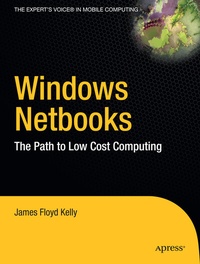
Windows Netbooks
Beschreibung

Netbooks are lightweight, and easy to use. And best of all is the low price. Whether you already own a netbook or are considering purchasing one, the good news doesn't end there, however. Throw in some free open source and "cloud computing" software and you've got yourself a powerful little computer at a fraction of the cost of the bigger laptops and desktops. This book is all about finding the best netbook for your needs and then keeping the cost of netbook ownership down. You can choose to spend some of your savings on a few "must have" extras such as a CD/DVD burner and a nice carrying case or save even more money by installing some (or all) of the 100% free software covered in the chapters of this book.
Windows Netbooks: The Path to Low-Cost Computing is your guide to pushing a netbook to its maximum potential and keeping spending to an absolute minimum. Learn how to protect your netbook with 100% free antivirus applications and then get to work with 100% free word processing, spreadsheet, email, calendar, and presentation applications. You'll find these and many more applications, along with helpful discussions on netbook hardware and maintenance, that will super-charge your netbook, your productivity, and your Internet time.
Weitere Details
Weitere Ausgaben
Andere Ausgaben