

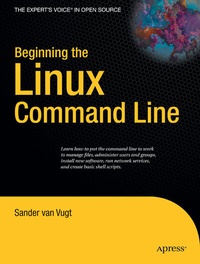
Beginning the Linux Command Line
Published on 24. May 2009
XVIII, 392 pages
978-1-4302-1890-6 (ISBN)
Description

This is Linux for those of us who don't mind typing. All Linux users and administrators tend to like the flexibility and speed of Linux administration from the command line in byte-sized chunks, instead of fairly standard graphical user interfaces. Beginning the Linux Command Line follows a task-oriented approach and is distribution-agnostic.
- Work with files and directories.
- Administer users and security.
- Understand how Linux is organized.
More details
Other editions
New editions
Sander van Vugt
Beginning the Linux Command Line
E-Book
11/2015
2nd Edition
APress
€66.99
Available for download
Additional editions
Person
Sander van Vugt is an independent trainer and consultant, living in the Netherlands and working throughout the European Union. He specializes in Linux and Novell systems, and has worked with both for more than 10 years. Besides being a trainer, he is also an author, having written more than 20 books and hundreds of technical articles. He is a Master Certified Novell Instructor (MCNI) and holds LPIC-1 and -2 certificates, as well as all important Novell certificates.
Content
Starting Linux Command-Line Administration.- Performing Essential Command-Line Tasks.- Administering the Linux File System.- Working with Text Files.- Managing Partitions and Logical Volumes.- Managing Users and Groups.- Managing Permissions.- Managing Software.- Process and System Management.- System Logging.- Configuring the Network.- Configuring a File Server.- Working with the Kernel.- to Bash Shell Scripting.
