

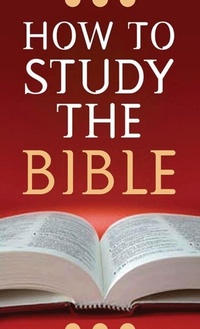
How to Study the Bible
Published on 1. September 2007
96 pages
978-1-60742-351-5 (ISBN)
Description

This guide provides a brief, concise overview of personal Bible study for the layperson. Long-time Bible teacher Robert West gives insight into the types, tools, and techniques of personal study, offering both practical guidance and encouragement to pursue the command of 2 Timothy 2:15 ("Be diligent to present yourself approved to God as a workman who does not need to be ashamed, accurately handling the word of truth"). Covering topics such as the inductive method, word studies, commentaries, dictionaries, and concordances, How to Study the Bible also emphasizes the personal benefits of private Bible time.
More details
Other editions
Additional editions
Robert M. West
How to Study the Bible
Book
09/2007
Barbour Publishing Inc, U.S.
€21.23
Shipment within 3-4 weeks
Content
- Cover
- Title Page
- Copyright
- Dedication
- Contents
- Introduction
- Chapter 1 - Preparation: Readying Our Hearts for Bible Study
- Chapter 2 - Interpretation: Discovering What the Bible Means
- Chapter 3 - Classification: Examining Bible Study Methods
- Chapter 4 - Collaboration: Using Bible Study Helps
- Chapter 5 - Motivation: Putting Thoughts into Action
