

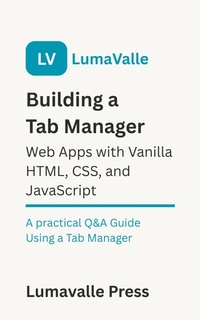
Building a Tab Manager Web App with Vanilla HTML, CSS, and JavaScript.
A Practical Q&A Guide Using a Tab Manager
Published on 10. June 2025
25 pages
978-3-7554-9950-3 (ISBN)
Description

This guide helps developers with basic web skills build a functional Tab Manager app using core web technologies: HTML, CSS, and JavaScript. Through a practical question-and-answer format, it explains key concepts and techniques needed to create an interactive tabbed interface.
Starting with the project setup, the guide walks you through structuring HTML for tabs and content panels, styling with CSS for clarity and responsiveness, and adding JavaScript to manage tab switching and user interaction. It covers handling errors, improving accessibility and user experience, debugging issues, and testing across browsers.
The book concludes with suggestions for advancing your skills, such as learning frameworks, adding features, and deploying your app online. This resource provides clear, practical answers to help you build your own web apps.
Keep learning and enjoy your web development journey!
Starting with the project setup, the guide walks you through structuring HTML for tabs and content panels, styling with CSS for clarity and responsiveness, and adding JavaScript to manage tab switching and user interaction. It covers handling errors, improving accessibility and user experience, debugging issues, and testing across browsers.
The book concludes with suggestions for advancing your skills, such as learning frameworks, adding features, and deploying your app online. This resource provides clear, practical answers to help you build your own web apps.
Keep learning and enjoy your web development journey!
