

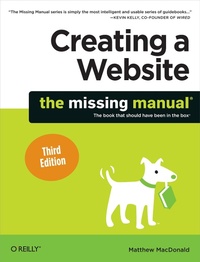
Creating a Website: The Missing Manual
Published on 3. May 2011
584 pages
978-1-4493-0864-3 (ISBN)
Description

Think you need an army of skilled programmers to build a website? Think again. With nothing more than an ordinary PC, some raw ambition, and this book, you'll learn how to create and maintain a professional-looking, visitor-friendly site. This Missing Manual gives you all the tools, techniques, and expert advice you need.
- Plan your site. Create web pages by learning the basics of HTML and HTML5.
- Control page design with CSS. Format text, images, links, tables, and other elements.
- Attract visitors. Ensure that people can find your site through popular search engines.
- Build a community. Add forums, fresh content, and a feedback form to encourage repeat visits.
- Get smart. Use free tools to identify your site's strengths and weaknesses.
- Create your own blog. Post your musings with a free blog-hosting service.
- Bring in cash. Host Google ads, sell Amazon's wares, or push your own products.
- Add pizzazz. Include audio, video, interactive menus, and more.
More details
Other editions
Additional editions
Book
06/2011
3rd Edition
O'Reilly
€24.50
Article exhausted; check for reprint
