

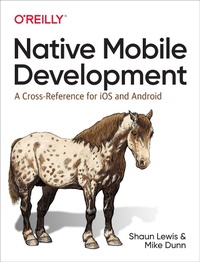
Native Mobile Development
A Cross-Reference for iOS and Android
Published on 12. November 2019
394 pages
978-1-4920-5284-5 (ISBN)
Description

Learn how to make mobile native app development easier. If your team frequently works with both iOS and Android?or plans to transition from one to the other?this hands-on guide shows you how to perform the most common development tasks in each platform. Want to learn how to make network connections in iOS? Or how to work with a database in Android? This book has you covered.
In the book's first part, authors Shaun Lewis and Mike Dunn from O'Reilly's mobile engineering group provide a list of common, platform-agnostic tasks. The second part helps you create a bare-bones app in each platform, using the techniques from part one.
- Common file and database operations
- Network communication with remote APIs
- Application lifecycle
- Custom views and components
- Threading and asynchronous work
- Unit and integration tests
- Configuring, building, and running an app on a device
More details
Language
English
File size
8,18 MB
ISBN-13
978-1-4920-5284-5 (9781492052845)
Other editions
Additional editions
Shaun Lewis | Mike Dunn
Native Mobile Development
A Cross-Reference for iOS and Android Native Programming
Book
11/2019
O'Reilly
€47.00
Shipment within 15-20 days
