

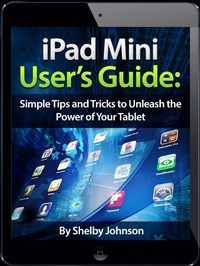
iPad Mini User's Manual: Simple Tips and Tricks to Unleash the Power of Your Tablet! Updated with iOS 7
Description

Updated Sept. 2013 with iOS 7 Tips Are you an iPad Mini owner looking to get the most out of your tablet? Perhaps you're looking for solutions to certain questions you've had about the new tablet such as how to use Siri, print documents, take pictures or video with the camera, use FaceTime, or use different web browsers? Well, this guide is here to help you with all those questions and plenty of great tips to truly unleash the power of your tablet!
Hi, I'm Shelby Johnson, a technology enthusiast and iPad Mini owner. With this new tablet, I absolutely love its many standard features and capabilities, but have found there is so much more that can be done with this amazing gadget. I've learned a lot of great things about the iPad Mini and want to help others get the most out of theirs.
I've developed this guide book to help you learn more about your device, including tips and tricks to really unlock and unleash the possibilities with the tablet.
Here's just some of the great info in this book:
- Getting started with the iPad Mini - Using Siri - Choosing iCloud storage vs. device storage - Setting up parental controls - Setting up and using wireless networks - Printing from iPad Mini using AirPrint or other methods - Syncing iPad Mini to iTunes - Taking photos with the iPad Mini - Finding the most useful apps - Choosing iPad Mini accessories to enhance your experience
You'll learn all of the above and more in this book which features color screenshots straight from the iPad Mini and step-by-step instructions on the processes involved in unleashing more powerful features of the tablet! This is a must-have eBook to get for any iPad Mini user who wants to take their device to the next level!
Please note this book is for owners of the American version of the iPad Mini tablet sold in the United States.
