
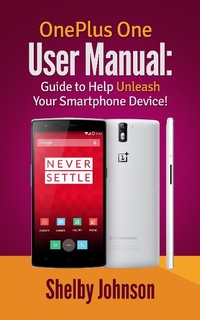
OnePlus One User Manual: Guide to Help Unleash Your Smartphone Device!
Description
Alles über E-Books | Antworten auf Fragen rund um E-Books, Kopierschutz und Dateiformate finden Sie in unserem Info- & Hilfebereich.
The OnePlus One user manual is here for owners of the revolutionary new smartphone! This OnePlus One guide book helps owners of this device better understand all the features and functions on board, while also giving special how-to tips, tricks and suggestions for the phone.
What you'll learn inside this guide book:
- How to set up your phone out of the box
- Customizing your phone's theme, wallpaper or icons
- Setting up facial recognition for lock screen
- Using the Gestures feature on the OnePlus One
- Special tips and tricks for using your phone
- How and where to watch movies or videos
- Some of the best OnePlus One accessories available
- Common troubleshooting issues and fixes.
If you were wondering where to find a comprehensive OnePlus One manual, look no further! Download this resource today to get the most out of your OnePlus One smartphone!

More details
System requirements
File format: ePUB
Copy protection: Adobe-DRM (Digital Rights Management)
System requirements:
- Computer (Windows; MacOS X; Linux): Install the free reader Adobe Digital Editions prior to download (see eBook Help).
- Tablet/smartphone (Android; iOS): Install the free app Adobe Digital Editions or the app PocketBook before downloading (see eBook Help).
- E-reader: Bookeen, Kobo, Pocketbook, Sony, Tolino and many more (not Kindle).
The file format ePub works well for novels and non-fiction books – i.e., „flowing” text without complex layout. On an e-reader or smartphone, line and page breaks automatically adjust to fit the small displays.
This eBook uses Adobe-DRM, a „hard” copy protection. If the necessary requirements are not met, unfortunately you will not be able to open the eBook. You will therefore need to prepare your reading hardware before downloading.
Please note: We strongly recommend that you authorise using your personal Adobe ID after installation of any reading software.
For more information, see our ebook Help page.