
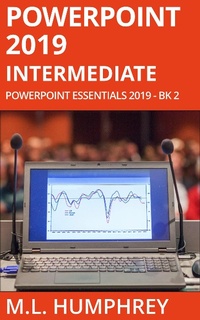
PowerPoint 2019 Intermediate (PowerPoint Essentials 2019, #2)
Description
Alles über E-Books | Antworten auf Fragen rund um E-Books, Kopierschutz und Dateiformate finden Sie in unserem Info- & Hilfebereich.
PowerPoint 2019 Intermediate picks up where PowerPoint 2019 Beginner left off.
Here you'll learn how to create slides from an imported Word outline, how to add equations and other more specialized text formatting, how to work with WordArt, shapes, and SmartArt, as well as how to add charts, videos, online pictures, 3D models, and icons to your presentations.
You'll also learn about rulers and guidelines, headers and footers, the basics of master slides, sections, slide transitions, and how to add comments or incorporate group edits. Also, the various views available in PowerPoint and how to create a PDF or export your presentation slides as images.
If you're ready to take your PowerPoint knowledge from beginner-level to more advanced, this is the book for you.

More details
System requirements
File format: ePUB
Copy protection: Adobe-DRM (Digital Rights Management)
System requirements:
- Computer (Windows; MacOS X; Linux): Install the free reader Adobe Digital Editions prior to download (see eBook Help).
- Tablet/smartphone (Android; iOS): Install the free app Adobe Digital Editions or the app PocketBook before downloading (see eBook Help).
- E-reader: Bookeen, Kobo, Pocketbook, Sony, Tolino and many more (not Kindle).
The file format ePub works well for novels and non-fiction books – i.e., „flowing” text without complex layout. On an e-reader or smartphone, line and page breaks automatically adjust to fit the small displays.
This eBook uses Adobe-DRM, a „hard” copy protection. If the necessary requirements are not met, unfortunately you will not be able to open the eBook. You will therefore need to prepare your reading hardware before downloading.
Please note: We strongly recommend that you authorise using your personal Adobe ID after installation of any reading software.
For more information, see our ebook Help page.