

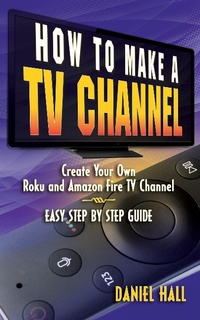
How To Make A TV Channel: Create Your Own Roku and Amazon Fire TV Channel East Step By Step Guide
Description

How To Make Your Own TV Channel On Amazon Fire TV & Roku Without Being A Tech Genius
What if you could reach millions of people with your video content with channels on Roku and Amazon Fire TV. Imagine if you could accomplish this with only minimal tech skills and no special equipment.
Wall Street Journal and USA TODAY bestselling author Daniel Hall walks you through the precise steps needed to establish real television channels on Roku and Amazon Fire TV. He also shows you why starting your channels now puts you ahead of the trend as more people cut the cord to cable and satellite TV putting you in the position to grow your audience organically as more people opt for streaming media.
In this book you'll discover:
- Why launching your channel right now represents a golden opportunity to grow organically as the audience for devices like Roku and Amazon Fire TV explodes putting your content in the path of this massive traffic source
- Step by step instructions specifically designed for people who are NOT tech-savvy… if you know how to write and send an email you have enough skill to put up your own channels with these instructions
- The precise resources for putting up your channels at a very LOW COST - under $250!
- How to make your channels look pro… The secret of making your channels look clean and inviting like Netflix, Disney Plus and Amazon Prime TV.
- The specific design method for your channels so they get lots of positive reviews and ratings.
- BONUS: Video tutorial so you can follow the instructions in the book and/ or watch the steps via video
Buy this book NOW to launch your television channels on Roku and Amazon Fire TV so you can potentially reach millions of new viewers and introduce them to your video content.
Pick up your copy today by clicking the "buy now" button at the top of the page.
