

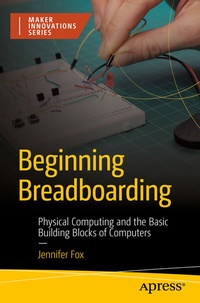
Beginning Breadboarding
Description

You'll master current, voltage, and resistance. With that you can control outputs like lights and motors as well as inputs like switches and sensors. You'll also discover the difference between analog and digital electrical signals while studying both electricity and computers. Dabble in electrical engineering, whether you are interested in building things with electronics or learning to program simple, physical systems. Build your own electronic projects to learn how electronics work. And also how computers store information and process requests. You'll work with simple, low-cost tools like conductive tape before developing up to working with breadboards and discovering the components to build more complex systems.
With Beginning Breadboarding , makers of all ages and backgrounds can learn to build real-life physical computing systems and projects. Have fun building something with tangible results while learning all the theory you need to make new projects of your own!
What You'll Learn
-
Rapidly prototype circuits with breadboards
-
Use common components to make simple electronic devices
- Share electrical energy and control the flow of electricity through components
Who This Book Is For
Makers, seeking a fun, hands-on introduction to technology, electronics, and computers. Those who have little to no knowledge of the subject, but want to learn electronics or know more about computers.
More details
Other editions
Additional editions
Person
Content
Chapter 1: Introduction, Supplies, and Circuit Diagrams.- Chapter 2: Paper Circuits.- Chapter 3: Breadboards and Outputs.- Chapter 4: Controlling Electricity (Passive Components).- Chapter 5: Interacting with Electricity Using Buttons and and Switches (Electromechanical Components).- Chapter 6: Encoding Information into Electricity (Logic Gates, Part 1).- Chapter 7: Sensors!.- Chapter 8: Transistors: The Building Blocks of Computers.- Chapter 9: Logic Gates, Part 2.- Chapter 10: A Simple Computer.- Appendix: Bonus Projects.
