
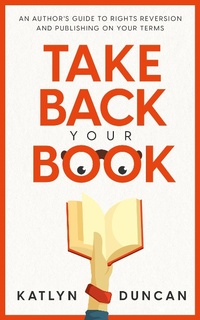
Take Back Your Book: An Author's Guide to Rights Reversion and Publishing On Your Terms (Author First, #1)
Description
Alles über E-Books | Antworten auf Fragen rund um E-Books, Kopierschutz und Dateiformate finden Sie in unserem Info- & Hilfebereich.
Revive your book from the bottom of the charts with rights reversion.
Have you sold your book to a publisher, but years later it's not selling the way you want? Are you frustrated with their lack of marketing and little to no royalty payments?
It's time to take back your book rights.
This guide will give you the knowledge and confidence to get your book rights reverted and how to place it in front of new readers, on your terms.
In this book you'll find:
• The basics of rights reversion
• What to do with your book after reversion
• How to re-publish your book
• Long-term considerations for your author business and backlist
• Stories from authors successfully reverting and republishing their books
You will always be your book's biggest champion. Don't condemn it to years of neglect at someone else's hands. Take back your rights and make them work for you for years to come.

More details
System requirements
File format: ePUB
Copy protection: Adobe-DRM (Digital Rights Management)
System requirements:
- Computer (Windows; MacOS X; Linux): Install the free reader Adobe Digital Editions prior to download (see eBook Help).
- Tablet/smartphone (Android; iOS): Install the free app Adobe Digital Editions or the app PocketBook before downloading (see eBook Help).
- E-reader: Bookeen, Kobo, Pocketbook, Sony, Tolino and many more (not Kindle).
The file format ePub works well for novels and non-fiction books – i.e., „flowing” text without complex layout. On an e-reader or smartphone, line and page breaks automatically adjust to fit the small displays.
This eBook uses Adobe-DRM, a „hard” copy protection. If the necessary requirements are not met, unfortunately you will not be able to open the eBook. You will therefore need to prepare your reading hardware before downloading.
Please note: We strongly recommend that you authorise using your personal Adobe ID after installation of any reading software.
For more information, see our ebook Help page.