

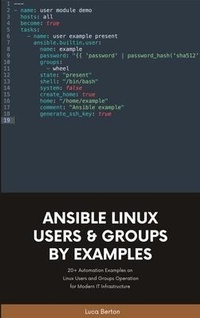
Ansible For Linux by Examples
Description

Ansible is an Open Source IT automation tool. This book contains all of the obvious and not-so-obvious best practices of Ansible automation. Every successful IT department needs automation nowadays for bare metal servers, virtual machines, could, containers, and edge computing. Automate your IT journey with Ansible automation technology.
You are going to start with the installation of Ansible in Enterprise and Community Linux using the most command package manager and archives.
Each of the 100+ lessons summarizes a module: from the most important parameter to some Ansible code and real-life usage. Each code is battle proved in the real life. Simplifying mundane activities like creating a text file, extracting and archiving, and fetching a repository using HTTPS or SSH connections could be automated with some lines of code and these are only some of the long lists included in the course.
There are some Ansible codes usable in all the Linux systems, some specific for RedHat-like, Debian-like, and Suse-like.
The 20+ Ansible troubleshooting lesson teaches you how to read the error message, how to reproduce it, and the process of troubleshooting and resolution.
Are you ready to automate your day with Ansible?
Examples in the book are tested with the latest version of Ansible 2.9+ and Ansible Core 2.11+.
More details
Content
- Intro
- Table of Contents
- Introduction
- Ansible For Beginners With Examples
- Install Ansible
- Ansible For Linux
- Ansible Code reuse: Roles and Collections with Ansible Galaxy
- Ansible for Linux Filesystem
- Ansible For Linux User Management
- Ansible Playbook Code interact with Web Services API
- Ansible For Containers
- Ansible For Linux Security
- Ansible Playbook Code for RedHat-like systems
- Ansible Playbook Code for Debian-like systems
- Ansible Playbook Code for Suse-like systems
- Ansible Troubleshooting The Most Common Errors
- Thank you
